

Huge thanks to both @Joseinnewworld & @SVDG_XEC who are currently shopping my #NFTs at the same time — what a moment 🔥 Your support means a lot and keeps this journey alive. Grateful beyond words 🙏 #NFTcommunity #NFTCollection #eCash $XEC #Crypto https://t.co/2pkDOKjy2R pic.twitter.com/9dmsCqizFz
— NFToa (@nftoa_) June 25, 2025
QuickTime is a multimedia framework developed by Apple Inc. that is capable of handling various digital video formats, media clips, sound, text, animation, music, and several types of interactive panoramic images. It is available for Mac OS X and Microsoft Windows operating systems, and various variations of software packages such as iTunes.
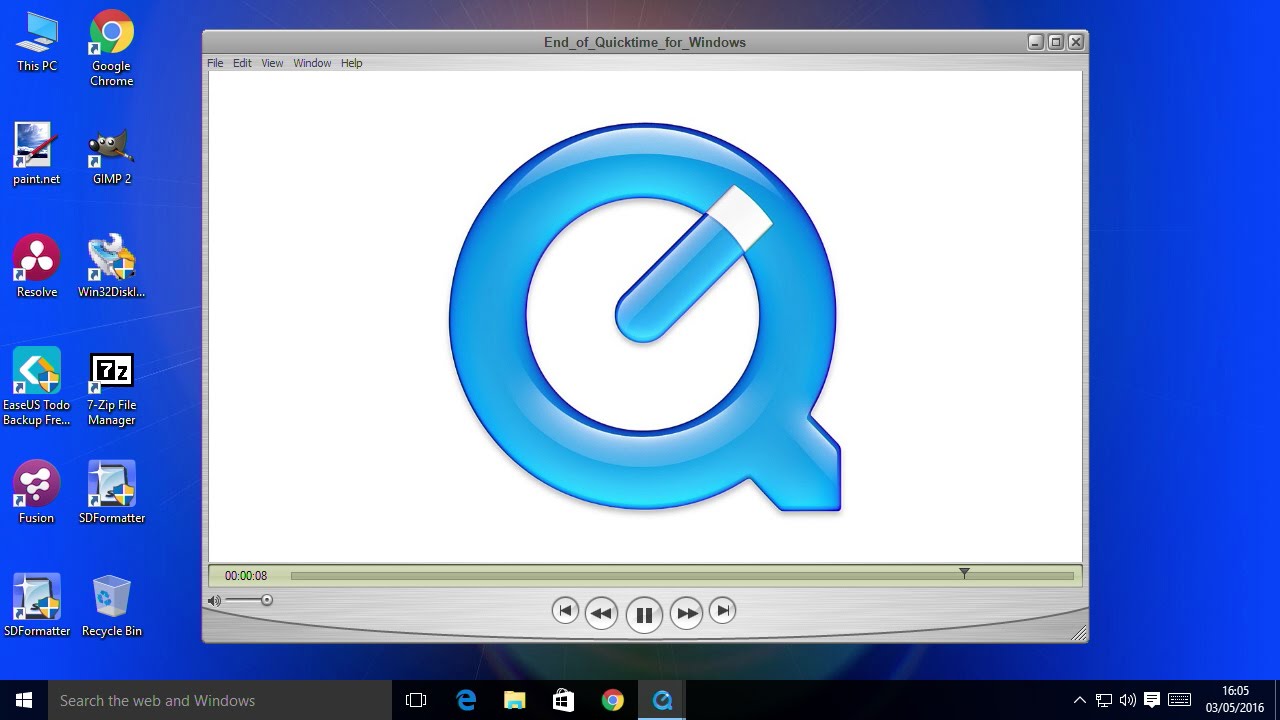
QuickTime technology consists of:
QuickTime Player application was created by Apple, which is a media player.
QuickTime framework, which provides a common set of APIs for encoding and decoding audio and video.
QuickTime Movie (mov) file format, an open document media container.
QuickTime is bundled with Mac OS X, as it was with early versions of the Mac OS. All Apple systems ship with QuickTime preinstalled, it provides a 4D (disambiguation needed) media layer for Mac OS X. QuickTime is optional for Windows systems, although many software applications require it. Apple bundles it with each iTunes for Windows download. Software development kits (SDKs) for QuickTime are available to the public with an Apple Developer Connection (ADC) subscription.
1. QuickTime Player
QuickTime is distributed free of charge, and includes the QuickTime application. Many applications can be written to access the features provided by the QuickTime framework, but the included QuickTime Player is limited to only the most basic playback operations unless the user purchases a QuickTime Pro license key, which Apple sells for $29.95. Keys are specific to the version of QuickTime for which they are purchased. Keys unlock additional features of the QuickTime Player application on Mac OS X or Windows, although most can be easily accessed using a player or video editor from another source. These include
Full-Screen playback.
New movies recorded from a FireWire DV or iSight camera.
Editing clips through cut, copy and paste functions, copying audio and video tracks, freely tracing video tracks on a virtual canvas with cropping and rotation options.
Saving and exporting (encoding) to many codecs supported by QuickTime. QuickTime 7 includes settings for exporting video to a video-capable iPod.
Some other free player applications rely on the QuickTime framework providing features that are not available in the basic QuickTime Player. For example
- iTunes can play QuickTime Movie files in full-screen.
- iTunes can export audio in WAV, AIFF, MP3, AAC, and Apple.
- Lossless.
RealPlayer and Media Player Classic support all the playback features included in QuickTime, including full-screen playback.
In Mac OS X, a simple AppleScript can be used to play a movie in full-screen mode.
The open source VLC media player can play QuickTime videos while ignoring the restrictions placed on the non-Pro version.
2. QuickTime Framework
QuickTime framework provides:
Encoding and transcoding audio and video from one format to another.
Decodes audio and video, then sends the encoded stream to the audio or graphics subsystem for playback. In Mac OS X, QuickTime sends video playback to the Quartz Extreme (OpenGL) Compositor.
A splicing architecture to support additional codecs (such as DivX).
The framework supports the following file types and codecs neatly:
a. Audio
- Apple Lossless
- Audio Interchange Format (AIFF)
- Digital Audio: Audio CD - 16-bit (CDDA), 24-bit, 32-bit integer & floating point, and 64-bit floating point
- MIDI
- MPEG-1 Layer 3 Audio (.mp3)
- MPEG-4 AAC Audio (.m4a, .m4b, .m4p)
- QDesign Music
- Qualcomm PureVoice (QCELP)
- Sun AU Audio
- ULAW and ALAW Audio
- Waveform Audio (WAV).
b. Video
- 3GPP & 3GPP2 file formats
- AVI file format
- Bitmap (BMP) codec and file format
- DV files (DV NTSC/PAL and DVC Pro NTSC/PAL codecs)
- Flash & FlashPix files
- GIF and Animated GIF files
- H.261, H.263, and H.264 codecs
- JPEG, Photo JPEG, and JPEG-2000 codecs and file formats
- MPEG-1, MPEG-2, and MPEG-4 Video file formats and associated codecs (such as AVC)
- Quartz Composer Composition (qtz only, Mac OS
- QuickTime Movies (.mov) and QTVR movies
- Sorenson Video 2 and 3 codecs
- Other video codecs: Apple Video, Cinepak, Component Video, Graphics, and Planar RGB
- Still other image formats: PNG, TIFF, and TGA
- Cached information from streams: QTCH.
3. QuickTime File Format
QuickTime (.mov) file format functions as a multimedia container file containing one or more tracks, each of which stores a specific type of data: audio, video, effects, or text (such as titles, for example). Each track contains either a digitally-encoded media stream (using a specific codec) or a reference to data from a media stream located in another file. Tracks are maintained in a hierarchical data structure consisting of objects called atoms. An atom can be a parent to another atom or can contain media or edit data, but not both.
The ability to contain abstract data references for media data, and copies of media data from media offsets and edit track lists means that QuickTime is particularly well-suited for editing, as it is capable of editing and importing in place (without copying data). Other formats include AIFF, DV, MP3, MPEG-1, and Indeo video. Other Later-Developed media container formats such as Microsoft's Advanced Systems Format or the open source Ogg and Matroska containers lack this abstraction, and require all media data to be rewritten after editing.
4. QuickTime and MPEG4
On February 11, 1998, ISO approved the QuickTime file format based on the MPEG4 Part 14 (.mp4) standard container. By 2000, MPEG-4 Part 14 had become an industry standard, first appearing with support in QuickTime 6 in 2002. Thus, the MPEG-4 container was designed for capturing, editing, archiving, and distributing media, unlike the simpler file-as-stream approach of MPEG-1 and MPEG-2.
5. Profile Support
QuickTime 6 adds limited support for MPEG-4; specifically encoding and decoding using Simple Profile (SP). Advanced Simple Profile (ASP) features, such as B-Frames, are not supported (in contrast to, for example, encoders such as XviD). QuickTime 7 supports H.264 encoders and decoders.
6. Benefits of Containers
Since both MOV and MP4 containers can use the same MPEG-4 codecs, they are mostly interchangeable within a QuickTime environment. However, MP4, being an international standard, has more support. This is especially true on hardware devices, such as the SONY PSP and various DVD players; on the software side, most DirectShow/Video for Windows Codec packs include an MP4 parser, but none for MOV.
In QuickTime Pro's MPEG-4 export dialog, an option called "Passthrough" allows a clean export to MP4 without affecting the audio and video streams. One recent discrepancy announced by QuickTime 7 is that the MOV file format now supports multichannel audio (used, for example, in the high-definition trailer on the Apple site), while QuickTime's support for audio in the MP4 container is limited to stereo. Therefore multichannel audio must be re-encoded during MP4 export.
Apple released the first version of QuickTime on December 2, 1991 as a multimedia add-on for System Software 6 and later. QuickTime developer Bruce Leak ran the first public demonstration at the May 1991 Worldwide Developers Conference, where he played Apple's famous 1984 TV commercial on a Mac, when the time was a shock to the technology's breakthrough. Microsoft's competing technology---Video for Windows---did not appear until November 1982.